What is a Telegram Proxy?

TelegramProxy
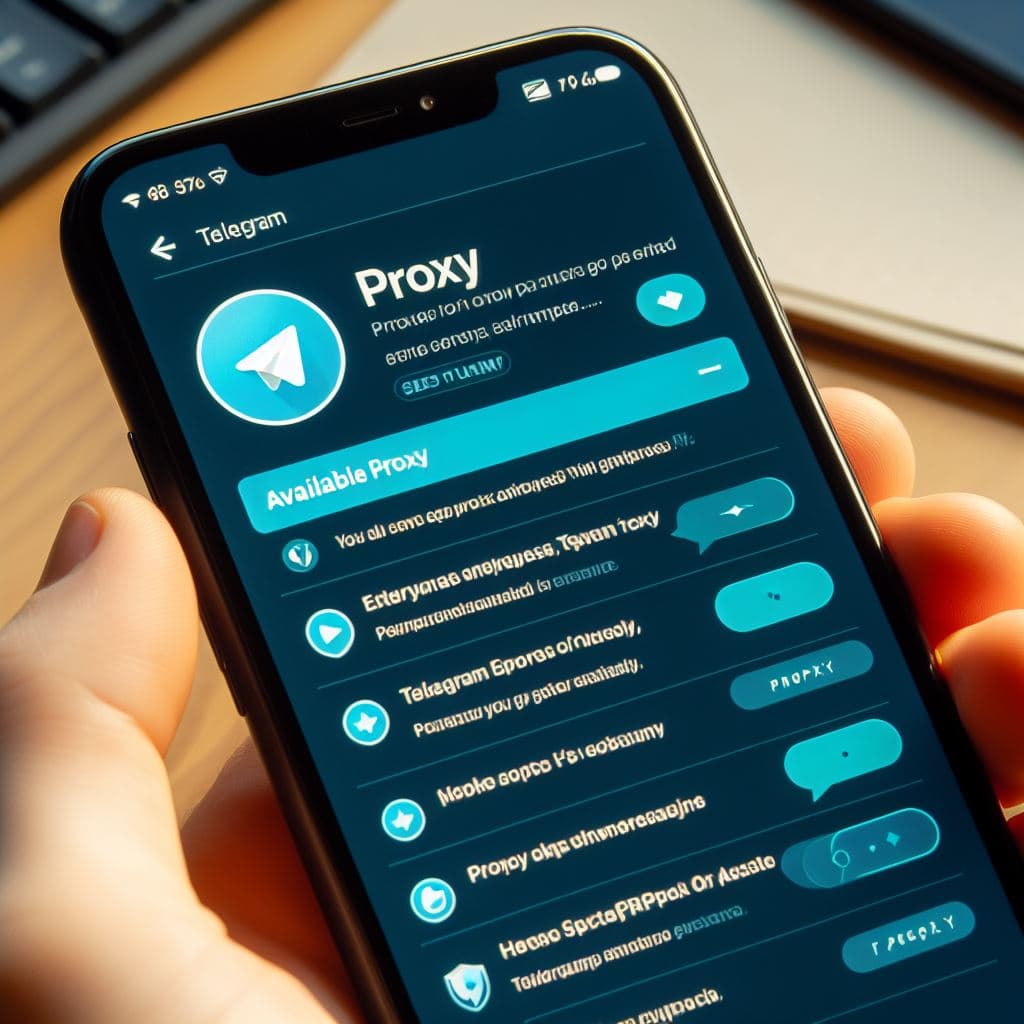
A Telegram proxy is a server that routes Telegram traffic between your device and Telegram. Telegram lets you configure proxies directly inside the app, so you can connect without changing your entire device network.
This page explains the basics. For one-click public endpoints, open the free Telegram proxy list. For install steps, see setup on Android, iOS, desktop, and more.
Why use a Telegram proxy?
Telegram may be blocked or slowed on some networks, workplaces, schools, public Wi-Fi systems, or regions. A proxy can help Telegram traffic reach Telegram through a different server. It can also hide your direct IP address from Telegram's connection endpoint, although it does not make an untrusted proxy automatically safe.
MTProto vs SOCKS5
MTProto proxy
MTProto is Telegram's native proxy protocol. It is usually the best first option when you only need Telegram access.
- Works directly inside Telegram
- Uses a server, port, and secret
- Can open with a
tg://proxyorhttps://t.me/proxylink - Typically simpler than a system-wide VPN
SOCKS5 proxy
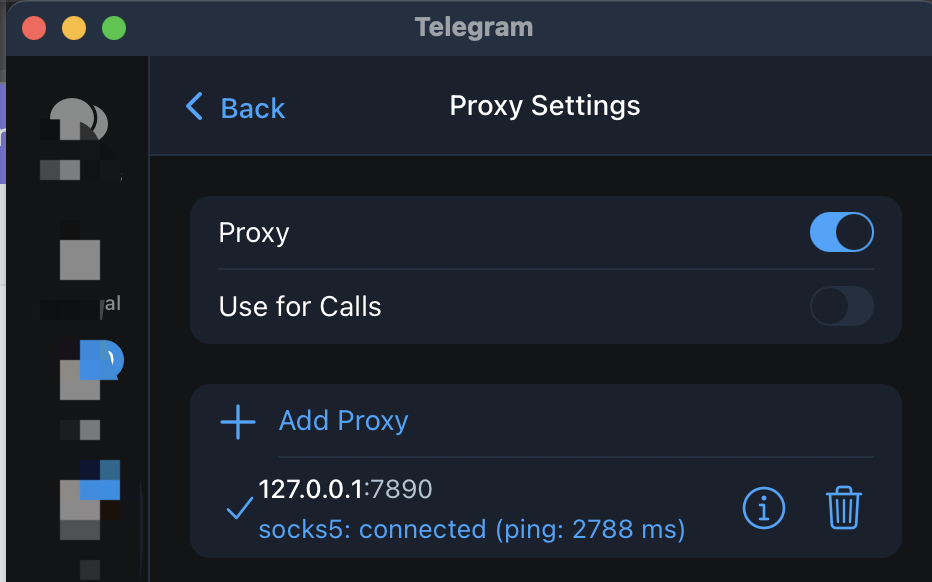
SOCKS5 is a general proxy protocol. It can work with Telegram and other apps, but the operator is still a third party.
- Works in Telegram desktop and mobile clients
- May require a username and password
- Useful when you need one proxy for multiple applications
Advantages and disadvantages
Advantages
- Reachability: Helpful when direct Telegram access is blocked or unreliable
- App-native setup: No separate VPN client required for MTProto
- Speed in some cases: A well-placed endpoint can improve stability on a bad local route
Disadvantages
- Trust risk: Traffic metadata passes through the proxy operator
- Reliability: Public free proxies go offline without notice
- Not full privacy: A proxy is not the same as end-to-end anonymity or a carefully configured VPN
How to try a free proxy safely
- Prefer MTProto links from a source you understand.
- Start from the free proxy directory and test a few endpoints.
- If Telegram still fails, follow the platform setup guide.
- Read privacy, access, and safer setup before relying on any public server.
Related country guides
TelegramProxy is not affiliated with Telegram. Listed public proxies are third-party services.
Related guides
- How to Use Telegram Proxy in Russia - 2026 Guide
Learn how Telegram MTProto and SOCKS5 proxies work in Russia, how to connect safely, and what to check before trusting a public proxy.
- Telegram Proxies: Privacy, Access, and Safer Setup Guide
Learn what Telegram proxies can and cannot do for privacy, access, and safe Telegram setup.
- Telegram Proxy Server: Where to Find the Host, Port, and Secret
Find a complete Telegram proxy server entry, match its MTProto fields, and test the connection without treating an online label as a guarantee.