Indian Telegram Proxy: How to Choose and Test an MTProto Server

TelegramProxy
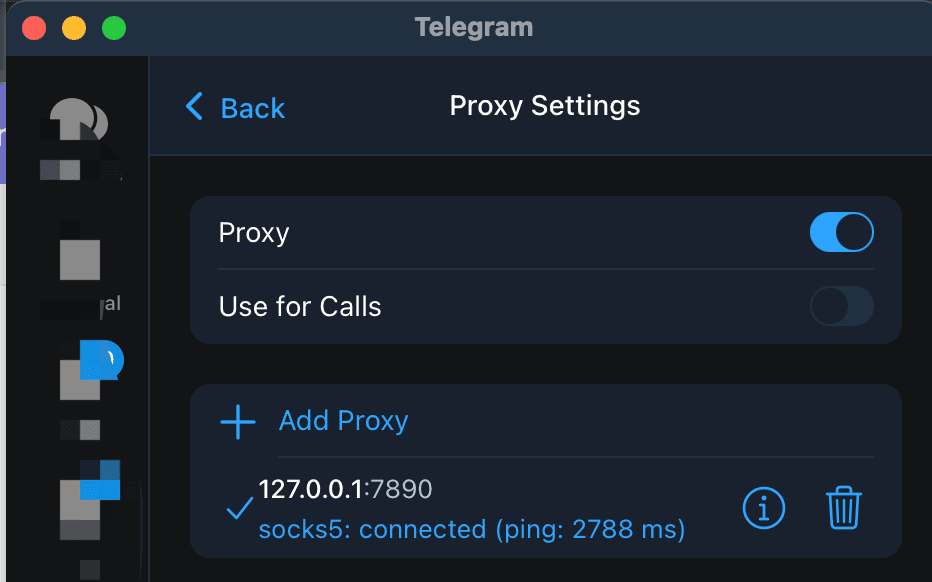
If you need an Indian Telegram proxy, start with the India free proxy list, choose an MTProto entry, and use its Connect link so the server, port, and secret stay together. Telegram should then show the proxy as enabled. Test it by opening a chat and sending a small message on the same Wi-Fi or mobile network you plan to use. An India label tells you how a public directory classified the endpoint. It does not prove that the server is physically in India, that it will work from every Indian carrier or Wi-Fi network, or that Telegram can complete a session. TGProxyHub's checked-in fallback snapshot from September 17, 2026 contains three India-labelled records. Two are marked online by the directory's TCP health check and one is not. That is a dated listing snapshot, not a Telegram connection result. If the first row fails, use another row and repeat the same client and network test.
What should you check on the India free proxy list?
Treat each row as an endpoint candidate. The most useful row is the one that gives you complete credentials, opens Telegram with one action, and works on your own network. Country labels and health badges help you choose where to start, but they do not replace a test inside Telegram.
| List detail | What it tells you | What it does not tell you | | --- | --- | --- | | India country label | The directory's classification for the endpoint | Its actual physical location or reachability from your network | | Online status | A recent low-level health result | A completed Telegram connection or message delivery | | MTProto protocol | Telegram-specific server, port, and secret details | That the operator is trustworthy or the endpoint will stay online | | Connect link | A way to pass one endpoint's details to Telegram | A guarantee that the app will accept or keep the connection |
The directory health check opens a TCP connection to the listed server and port. It does not sign in to Telegram, complete an MTProto exchange, validate the secret, or send a message. A row can therefore look healthy in the list and still remain on Connecting in your app.
How do you connect an India-listed MTProto proxy?
- Open the India Telegram proxy list.
- Choose an MTProto row with a recent online result and select Connect.
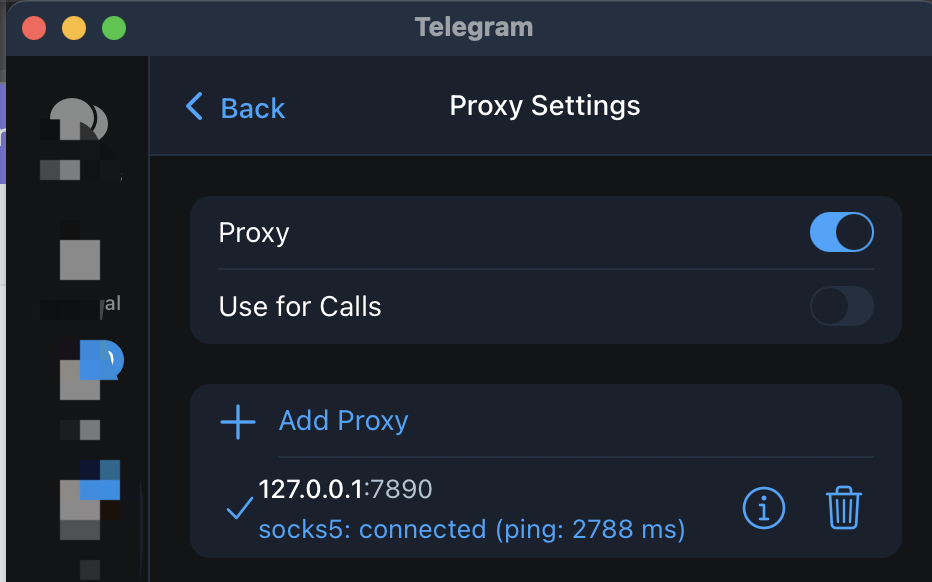
- Allow the link to open Telegram, then check the app's proxy settings.
- Confirm that the proxy is enabled and that the server, port, and secret belong to the same row.
- Open an existing chat and send a short message. Keep the endpoint and network unchanged while you test.
Telegram's official proxy documentation says that an MTProto proxy needs a server, port, and secret. A SOCKS5 proxy uses a server and port, with an optional username and password. If you edit a proxy manually, copy the full set of values from one endpoint. Joining a server and port from one row with a secret from another will produce a connection failure that the directory cannot diagnose.
For menu paths on Android, iOS, Windows, macOS, and Linux, follow the Telegram proxy setup guide.
How can you tell whether Telegram is using the proxy?
A successful TCP check is only the first filter. A more useful test has three parts: Telegram shows the proxy enabled, a text message sends in the app, and the same endpoint behaves consistently on the network where you need it.
Keep the test simple:
- Check the proxy status in Telegram after the Connect link opens.
- Send a new text message or refresh a chat. Do not use a directory badge as a substitute for this check.
- If possible, repeat the test on Wi-Fi and mobile data without changing the proxy details.
The network comparison helps narrow the problem. If the proxy works on mobile data but not Wi-Fi, the endpoint may be reachable while the Wi-Fi network filters or routes the connection differently. If it fails on both networks, recheck the credentials and try another endpoint. These observations describe your client and networks; they do not establish a country-wide restriction.
What should you do if an India proxy stays on Connecting?
Start with the endpoint and the route you can control. Remove or disable an old proxy entry, open a fresh Connect link from the India list, and make sure a second VPN or proxy is not handling the same traffic. If the same row still fails, move to another row instead of reconnecting one endpoint for several minutes.
If several India-listed endpoints fail on the same network, compare Wi-Fi with mobile data. A captive portal, workplace filter, or local routing rule can affect the result. If the whole India page fails while another country row works on the same device and network, record that difference and try the full free proxy directory. It is still a test result for your current conditions, not proof that every India-labelled proxy is unavailable.
When Telegram connects but chats do not sync, remove any second route and reconnect with one proxy enabled. If the problem continues, the Telegram proxy troubleshooting guide for Iran explains the same online-label and real-connection distinction with a dated health-check example.
Is an Indian Telegram proxy safe for private chats?
An India-labelled proxy is operated by a third party. Telegram's documentation explains that the proxy operator can record the IP address that connects to the proxy, even though an MTProxy operator cannot see your Telegram username or account ID. Use an endpoint from a source you understand, avoid assuming that a free listing is a privacy service, and read Telegram proxy privacy and safer setup guidance before relying on one for sensitive conversations.
FAQ
Does an India label mean the proxy is physically in India?
No. It is a directory label. The endpoint's location, route, and reachability can differ, and the label does not predict whether Telegram will connect from your network.
Is an online India proxy guaranteed to work in Telegram?
No. The online field reflects a low-level TCP health result. Telegram still needs valid MTProto details, a usable route, and a successful app-level connection.
Should I use an India proxy or a proxy from another country?
Choose the endpoint that completes a Telegram test reliably on your device and network. If the India list does not work, compare another row or the full proxy directory instead of assuming that a country label determines the result.
TGProxyHub is not affiliated with Telegram. Public proxy listings are best-effort and can change or go offline without notice.
Related guides
- How to Use Telegram Proxy in Russia - 2026 Guide
Learn how Telegram MTProto and SOCKS5 proxies work in Russia, how to connect safely, and what to check before trusting a public proxy.
- Telegram Proxies: Privacy, Access, and Safer Setup Guide
Learn what Telegram proxies can and cannot do for privacy, access, and safe Telegram setup.
- Telegram Proxy Not Connecting in Iran? What to Check When It Shows Online
What to check when a Telegram proxy stays on Connecting in Iran, including the difference between a TCP health check and a real Telegram connection.