Telegram Proxy Not Connecting in Iran? What to Check When It Shows Online

TelegramProxy
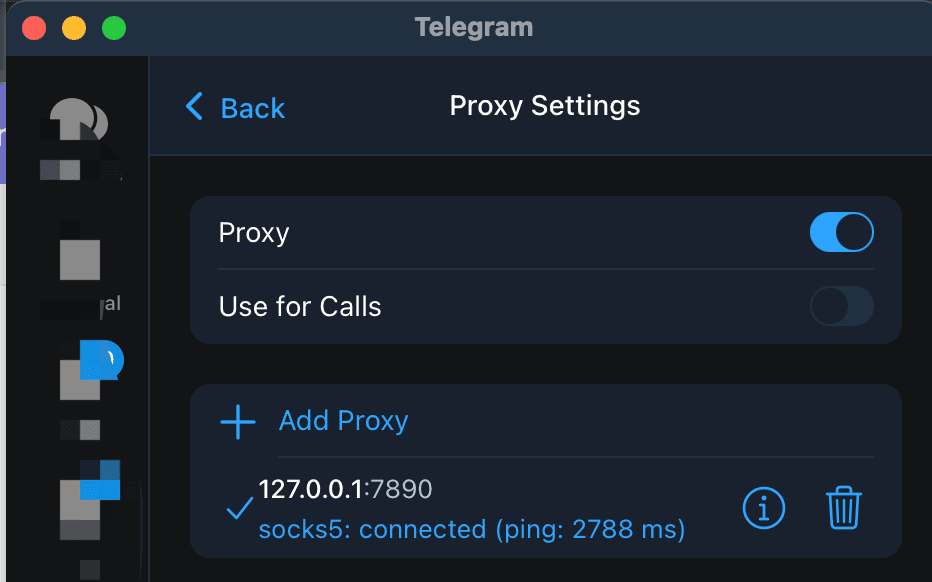
If a Telegram proxy is not connecting in Iran even though a directory marks it as online, treat the online label as a starting point, not a guarantee. A health check can show that a server accepted a TCP connection while Telegram still rejects the proxy, the secret is wrong, or the route from your Wi-Fi or mobile carrier cannot reach it. The quickest fix is to re-add the complete MTProto details, test the same endpoint on a second network, and then try another endpoint from the Iran proxy list. In a September 16, 2026 spot check, the first 20 Iran-labelled tg entries tested from one network accepted 0 TCP connections within four seconds. That result is a time- and network-specific observation, not proof that every proxy or every network in Iran is blocked.
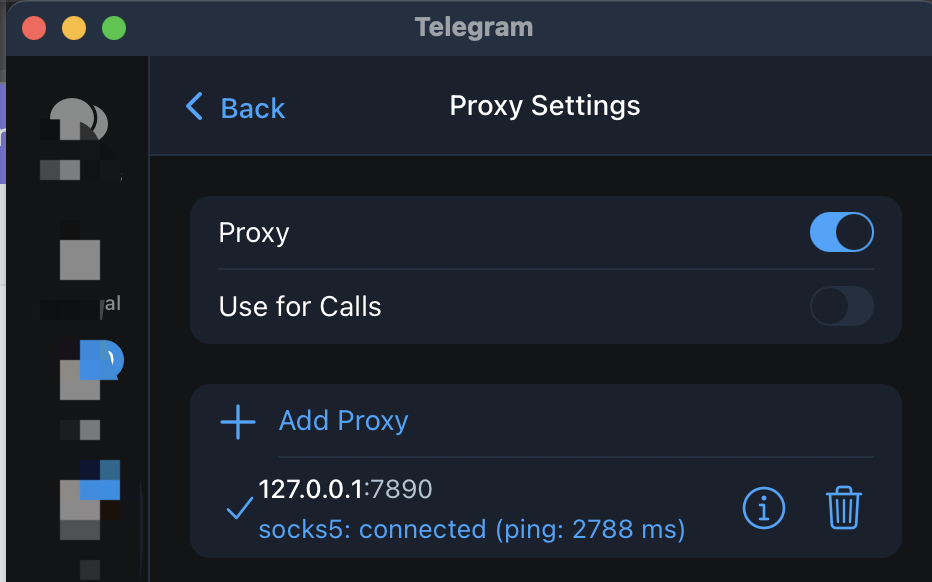
Why can a proxy show online but stay on Connecting?
"Online" can describe a lower-level check than the one you care about. TGProxyHub's directory check opens a TCP socket to the listed server and port. It does not sign in to Telegram, complete an MTProto exchange, verify your secret, or send a message. A proxy can pass that check and still fail in the Telegram app.
There are several common reasons:
- The endpoint went offline after its last health check.
- The server or port was copied correctly, but the MTProto secret was truncated or changed.
- The endpoint accepts traffic from one network but is filtered or unreachable from yours.
- A VPN, another proxy, captive portal, or workplace network is changing the route.
- The proxy is reachable but overloaded, so Telegram keeps retrying the connection.
Country labels are useful for browsing the directory, but they do not predict whether a particular endpoint will work from your current network. Test the path you actually use.
What details does Telegram need?
Telegram's official proxy documentation describes two commonly supported proxy types:
- MTProto needs a server, port, and secret. This is usually the simplest first choice when you only need Telegram.
- SOCKS5 needs a server and port, with an optional username and password depending on the endpoint.
If you are using MTProto, re-add all three values together. Do not copy only the hostname and port from a row and reuse a secret from a different proxy. A one-click link from the free Telegram proxy directory is less error-prone than manually joining values from separate messages.
The official documentation also warns that public proxy operators are third parties. Use a source you trust, and do not assume that a proxy is a privacy product simply because it connects.
How to troubleshoot a Telegram proxy in Iran
1. Test the same endpoint on Wi-Fi and mobile data
Keep the server, port, and secret unchanged. First test on your current Wi-Fi, then switch to mobile data, or do the reverse.
- Works on one network only: the endpoint may be reachable, but the failing network is filtering or routing the connection differently.
- Fails on both networks: recheck the credentials, then try another endpoint. The individual proxy may be offline, overloaded, or no longer accepting connections.
- Telegram connects but messages do not sync: disable any second VPN or proxy, then reconnect Telegram with only one route enabled.
This comparison is more useful than changing countries at random because it separates a local network path problem from a bad endpoint.
2. Re-add the proxy instead of editing a broken entry
Open the Iran free proxy list, choose a different MTProto row, and use Connect. In Telegram, confirm the proxy is enabled after the link opens. If you enter the values manually, compare each character of the server, port, and secret with the source.
For platform-specific menu paths, use the Telegram proxy setup guide. If you need a quick explanation of the protocols first, read What is a Telegram proxy?.
3. Stop retrying one endpoint after repeated failures
A proxy that stays on Connecting for several minutes is not made more reliable by repeated reconnects. Move to another row, and record whether the second endpoint behaves differently on the same network. If many endpoints fail in the same way, the pattern points to a route or network-policy problem rather than one dead server.
Do not treat a successful TCP check from a directory, or a successful connection from someone else's network, as proof that your own Telegram client can use the endpoint.
What the latest spot check can and cannot tell you
The following check was run on September 16, 2026 at 02:15:41 UTC:
| Check | Result |
| --- | --- |
| Records tested | First 20 Iran-labelled tg entries in the local directory snapshot |
| Method | TCP connection to each listed server and port |
| Timeout | 4 seconds per connection |
| Accepted connections | 0 of 20 |
| Not tested | Telegram login, MTProto handshake, secret validity, or message delivery |
This is useful evidence that those entries were not reachable from that test network at that moment. It is not a live availability promise, a country-wide diagnosis, or a substitute for testing from your own device. Free proxy endpoints rotate and can disappear without notice.
When should you try another tool?
If several fresh endpoints fail on both Wi-Fi and mobile data, a Telegram proxy may not be enough for the network you are using. First finish the basic checks above: remove a second proxy or VPN, pass any captive-portal sign-in, and confirm the credentials came from the same endpoint. Then review the privacy and safer setup guide before choosing another access method.
A proxy is designed to route Telegram traffic. It is not automatically a device-wide network tunnel, an anonymity guarantee, or proof that a network restriction has been removed. Keep the result of each test tied to its date, network, endpoint, and client so that an old "online" label does not become a false promise.
FAQ
Does an online label mean Telegram will connect?
No. It may only mean that the server and port accepted a basic TCP check. Telegram still needs a usable route and valid proxy credentials.
Should I always choose an Iran-labelled proxy from Iran?
No. The best endpoint is the one that works reliably from your network and client. Try another row or the full proxy directory if the Iran list does not connect.
Is a free Telegram proxy safe?
Not automatically. Public proxies are operated by third parties. Avoid sharing sensitive information through an endpoint you do not trust, and read the site's privacy and safer setup guidance before relying on one.
TelegramProxy is not affiliated with Telegram. Public proxy listings are best-effort and may be offline when you test them.
Related guides
- How to Use Telegram Proxy in Russia - 2026 Guide
Learn how Telegram MTProto and SOCKS5 proxies work in Russia, how to connect safely, and what to check before trusting a public proxy.
- Telegram Proxies: Privacy, Access, and Safer Setup Guide
Learn what Telegram proxies can and cannot do for privacy, access, and safe Telegram setup.
- Unlocking Telegram in the Netherlands - A Guide to Using Proxies
Learn how to use Telegram proxies in the Netherlands to enhance privacy and bypass network restrictions. Complete setup guide for MTProto and SOCKS5 proxies.